Trezor Wallet Review 2026: Which Trezor Is Best for You?
By Paul Democritou · Updated November 9, 2026 · 14 min read
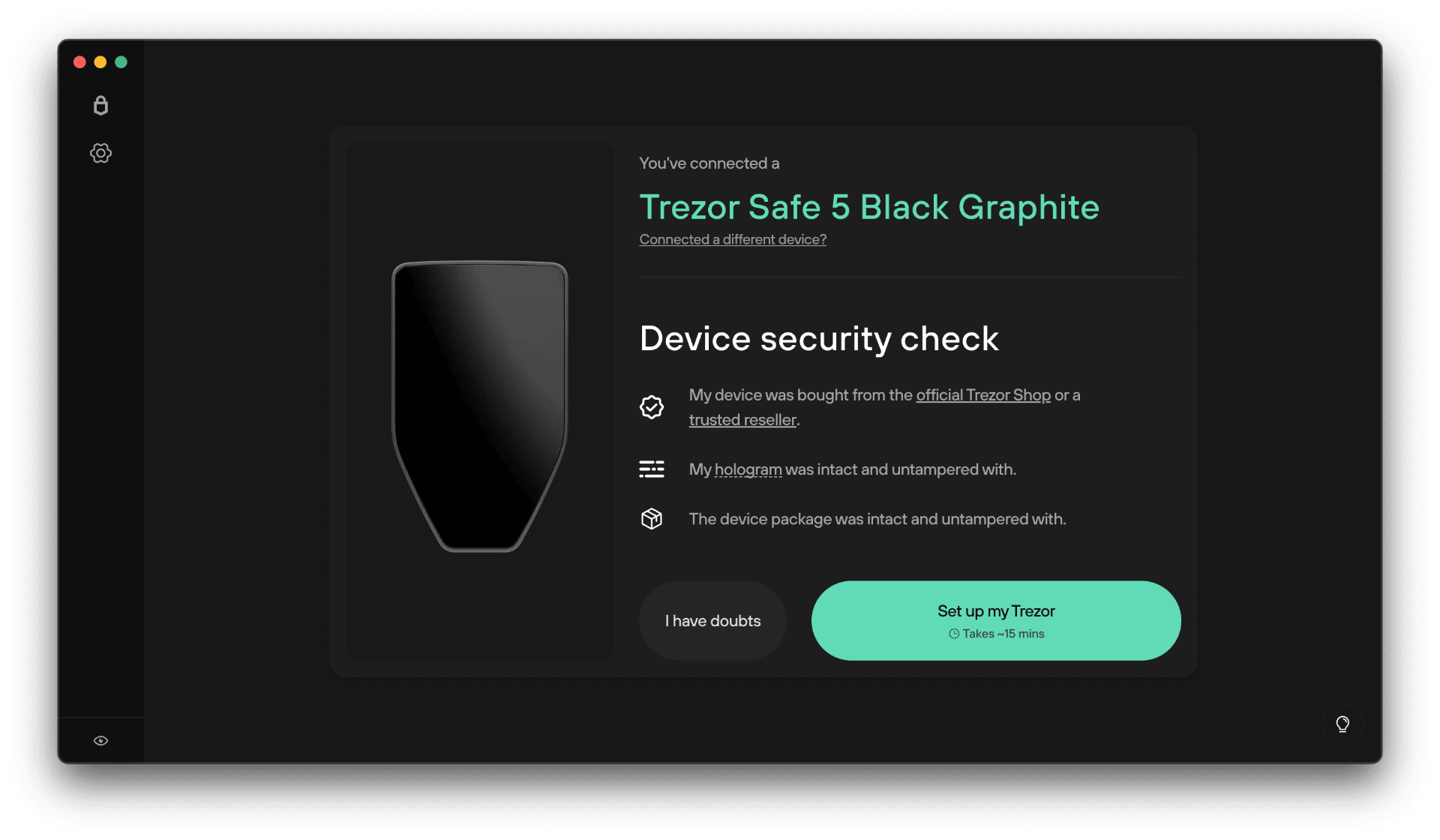
If you are serious about self custody, Trezor is one of the first hardware wallets you will probably come across. That is not by accident. Trezor has been around for years, it has strong brand recognition, and for many crypto users it represents the first real step away from leaving coins on an exchange.
This is a brand-specific buying guide, not a hands-on test of every model. It compares documented features and the recovery responsibilities that matter after purchase.
The current Safe 3, Safe 5 and Safe 7 differ most in transaction review, connectivity and device design. A larger balance alone does not tell you which one to buy.
Start with your phone or computer, your exact assets and whether you prefer buttons or a touchscreen. Then check backup compatibility before moving significant funds.
Direct Answer
Trezor Safe 3 suits wired, button-based storage; Safe 5 adds a color touchscreen; Safe 7 adds Bluetooth and full iPhone support in Trezor Suite. Choose by transaction review, compatibility and recovery needs, not portfolio size alone. None prevents losses from an exposed backup or a malicious approval.
Trezor at a Glance
Best for: Users who want open-source firmware and device confirmation; Safe 3 and Safe 5 for USB-C, Safe 7 for wireless mobile use
Not ideal for: Safe 3 or Safe 5 buyers needing full iPhone signing, unsupported assets or networks, or anyone expecting protection from every signing mistake
Bottom line: Check the exact model, coin support and backup format. Model One and Model T are discontinued, not current new-buy alternatives
What Is Trezor?
Trezor is a hardware wallet brand designed to help you store crypto offline. Instead of leaving your private keys exposed on an internet connected device all the time, a hardware wallet keeps the critical signing process isolated from everyday online activity.
That matters because one of the biggest risks in crypto is not the market. It is custody.
A lot of people spend endless hours researching coins and almost no time thinking about where those coins are stored. That is backwards. A strong project does not protect you if your wallet security is weak.
Trezor helps reduce that risk by giving you a dedicated device for storing and signing transactions.
If you are new to this, start with the basics in our guide on hardware wallets vs software wallets.
How Trezor Works
A Trezor wallet stores the keys needed to access your crypto and confirms transactions on the device itself rather than leaving that process fully exposed on your computer or phone.
In practical terms, the workflow looks like this:
1. Install genuine Trezor Suite and set up the device yourself
2. Record the device-generated backup offline and keep any passphrase separate
3. Verify the backup with Suite’s non-destructive Check backup feature
4. Check addresses and transaction details on the device, then try a small transfer before significant deposits
The most important thing to understand is this: your hardware wallet is only part of the security equation.
If you store your seed phrase badly, fall for phishing, approve malicious transactions, or expose yourself through sloppy behavior, even a good wallet can only save you so much.
That is why I always say security is not a product. It is a system.
For broader security basics, read our guide on how to store crypto safely.
Which Trezor Models Matter in 2026?
Most people comparing Trezor in 2026 are really trying to answer one question: which model gives me enough security without overcomplicating my life?
Here is the simple breakdown.
| Model | Signing and review | Backup and fit | Main limitation |
|---|---|---|---|
| Safe 3 | 0.96-inch monochrome screen, two buttons; USB-C | BIP39/SLIP39 options; wired storage | Small display; limited iOS features |
| Safe 5 | 1.54-inch color touchscreen, haptics; USB-C | BIP39/SLIP39 options; touchscreen review | No Bluetooth; limited iOS features |
| Safe 7 | 2.5-inch touchscreen; USB-C and Bluetooth | BIP39/SLIP39 options; full iPhone use | Wireless workflow adds pairing and battery management |
| Model One / Model T | Legacy buttons / color touchscreen; USB | Discontinued; existing owners should check support | No secure element; not current new-buy picks |
My practical take
If you are buying your first hardware wallet, the Trezor Safe 3 is usually the most sensible place to start.
Choose Safe 5 if a color touchscreen makes reviewing addresses easier for you. Choose Safe 7 if you need Bluetooth and full iPhone use; being newer does not make it the right choice for a wired-only setup.
Model One and Model T are discontinued. Trezor names Safe 3 and Safe 5 as their respective successors. Existing owners should consult current support documentation; neither legacy model has a secure element.
Main Pros of Trezor
1. Open-source firmware and documented architecture
Trezor publishes firmware source and explains its device architecture. This enables scrutiny, but is not proof that every firmware version has been independently audited or cannot contain a flaw.
2. Device review choices
Safe 3 uses a 0.96-inch monochrome display and two buttons. Safe 5 has a 1.54-inch color touchscreen with haptic feedback; Safe 7 has a 2.5-inch touchscreen. Choose the review interface you can use carefully.
3. Backup-check and recovery options
Trezor Suite provides a non-destructive backup check. Current Safe devices support documented BIP39 and SLIP39 backup options, including Multi-share Backup; formats and defaults vary, and recovery wallets must support the format you select.
4. Less dependence on an exchange
Self-custody removes reliance on an exchange holding your keys. It also transfers backup protection and signing decisions to you; that trade is not automatically safer if you cannot maintain the setup.
5. Fits a layered wallet strategy
Trezor does not need to be your only wallet. In fact, it probably should not be. It works very well as part of a layered setup where exchange wallets are for temporary use, hot wallets are for limited activity, and hardware wallets are for serious storage.
Main Cons of Trezor
1. It does not protect you from bad behavior
A hardware wallet is not magic. If you approve the wrong thing, expose your recovery phrase, or get socially engineered, you can still get burned.
2. It is not the best fit for every user type
Safe 3 and Safe 5 cannot offer the same iPhone signing workflow as Safe 7. Trezor’s comparison lists limited iOS functions for the two wired models. Check the exact network and third-party wallet integration before buying for DeFi.
3. Premium security still requires discipline
You still need to protect your seed phrase, avoid fake sites, separate your emails, reduce unnecessary exposure, and avoid leaving too much on hot wallets. If you are weak on those basics, the wallet alone will not fix the problem.
Is Trezor Safe?
Safe 3 and Safe 5 use a secure element for PIN protection and authenticity checks alongside the main microcontroller. Safe 7 uses OPTIGA Trust M (V3) and TROPIC01; Trezor describes TROPIC01 as independently auditable. These are documented design features, not a guarantee against every physical or software attack.
Trezor lists an EAL6+ secure element in the current Safe range. A chip certification is not a certification of the entire wallet, app or transaction workflow. This review does not claim independent certification verification.
The better question is: is your whole setup safe?
A hardware wallet can protect keys while still signing a malicious approval you accept. Read the device display and reject transactions you cannot understand.
Trezor can help secure your crypto, but you also need a clean device environment, proper seed phrase storage, phishing awareness, a long term storage plan, and sensible use of multiple wallets when needed.
That is why the seed phrase side matters so much. Read our full guide on how to store your seed phrase safely.
Ease of Use
This is one of Trezor's strengths.
A lot of people delay buying a hardware wallet because they assume the process will be painful or technical. Trezor tends to be more approachable than people expect.
That does not mean you should rush setup. It means the barrier is lower than many beginners imagine.
Verify the backup with Trezor Suite’s Check backup feature before depositing significant amounts. A small receive-and-send test confirms your transfer workflow, not that your backup restores correctly. Do not erase your only funded device to test an unverified backup, and never type backup words into a website or send them to support.
That one habit alone will save many people from avoidable mistakes.
Supported Assets and Real World Fit
Check the exact coin, network and required wallet app, not just the brand’s headline asset count. Some assets need a compatible third-party wallet rather than Trezor Suite; Bitcoin-only firmware does not support a multi-asset portfolio.
Do not buy a hardware wallet based on brand reputation alone. Buy it based on fit.
A good wallet for Bitcoin only users may not be the best wallet for someone holding a broader mix of assets. A great wallet for long term storage may not be your favorite for active onchain behavior.
That is exactly why a matching tool is useful. The Crypto Wallet Picker tool helps you compare wallets based on your specific needs.
A lot of people ask "What is the best hardware wallet?" when the real question should be "What is the best hardware wallet for my use case?" Also see our guide to the best hardware wallets in 2026.
Trezor vs Ledger
This is one of the most common comparisons.
In simple terms:
Choose Trezor if you want: open-source firmware, Suite backup verification and the choice of wired Safe 3/5 or Bluetooth Safe 7.
Choose Ledger if you prefer: a specific supported app or Ledger’s touchscreen range. Nano S Plus is wired; Nano X adds Bluetooth; Nano Gen5, Flex and Stax have touchscreens. Clear Signing depends on supported transactions and cannot guarantee safe approvals.
Here is the truth most people avoid: neither brand is automatically "best" in all situations. This is not religion. It is product fit.
If you want to look at the Ledger profile too, start with our Ledger wallet page.
Trezor vs Ellipal
This comparison comes down a lot to user type.
Trezor Safe 3 and Safe 5 transfer transaction data over USB-C; Safe 7 also uses Bluetooth. You review and confirm on the device.
Ellipal Titan 2.0 and Titan Mini use QR signing with a device screen; X Card uses NFC with phone-app review. Do not apply the Titans’ QR air-gap description to the X Card.
If your top priority is comparing those approaches directly, review our Ellipal wallet page.
Choose QR transfer if avoiding USB or Bluetooth data connections matters to you. Choose Trezor if its backup tooling or supported integrations fit better. Neither communication method eliminates phishing or signing errors.
Which Trezor Is Best for Beginners?
For most beginners, the best Trezor is the model that gives them solid security without overcomplicating setup or pushing them into buying more than they need.
That usually means the Trezor Safe 3 is the best place to start.
Why? Because beginners do not need maximum complexity. They need a trusted first hardware wallet, a manageable setup process, confidence moving off exchanges, and enough security to build good habits.
The biggest mistake beginners make is either buying nothing or trying to build an expert level setup before they understand the basics.
Which Trezor Is Best for Larger Portfolios?
If you hold a more meaningful amount of crypto, the wallet choice becomes more important, but so does the system around it.
For larger portfolios, Safe 5 may help if its touchscreen improves careful review; Safe 7 adds mobile connectivity rather than a balance-based safety guarantee. Plan private backup storage, safe recovery verification and controlled inheritance access before adding complexity.
But if you hold a lot of crypto, the real upgrade is not just the device. It is stronger recovery phrase protection, better physical storage planning, separation of wallet roles, inheritance planning, and more deliberate movement of funds.
This article may help too: What Happens to Your Crypto If You Die?
Who Should Not Buy Trezor?
Trezor is not for everyone.
You should probably look elsewhere or at least think harder if you want a wallet mainly for rapid daily DeFi interaction, you expect one device to solve all security risks, you are not willing to protect your recovery phrase properly, you want a totally frictionless experience with no learning curve, or you are only buying because someone on social media told you to.
That last one matters more than people admit. Crypto is full of lazy decisions dressed up as conviction. Do not buy any wallet because it sounds popular. Buy it because it fits your actual situation.
No Wallet Is Perfect
No single wallet eliminates all risk. Security also depends heavily on user behavior.
Even the best hardware wallet can be compromised by careless seed phrase handling, phishing attacks, or approving malicious transactions. Many of these risks are preventable with basic security habits.
You can learn about the most common pitfalls in our guide to crypto wallet mistakes that can cost you everything.
Should You Buy Trezor in 2026?
For many users, yes.
Trezor still makes sense in 2026 if your goal is to take custody seriously, reduce exchange exposure, and move toward a more secure long term setup.
It is especially strong for first time hardware wallet buyers, long term holders, users who value brand reputation and proven self custody tools, and people who want a dedicated wallet instead of leaving everything online.
It is less compelling if you want maximum convenience for highly active wallet behavior or if another wallet clearly fits your workflow better.
Final Verdict
Trezor is worth considering when its asset support, device review and backup workflow match your storage plan. The purchase is only useful if you can protect the backup and verify what you sign.
That said, the best Trezor is not the same for everyone.
If you want the simple answer:
Trezor Safe 3 is the wired, button-based starting point.
Trezor Safe 5 suits users who prefer a color touchscreen.
Trezor Safe 7 suits Bluetooth and full iPhone use.
Model One and Model T are discontinued; compare current successors rather than treating them as new-buy budget picks.
Still deciding?
Learn From Experienced Crypto Educators
Crypto security becomes much easier when investors learn from reliable sources.
You can find additional crypto guides and wallet tutorials at CryptoFactor.net where experienced investors share insights about crypto security and investing.
There are also AI crypto tools available at AICryptoSuite.com that help investors analyze markets, research projects, and make smarter crypto decisions.
Quick Takeaway
Choose a Trezor model by screen, connection and supported assets. Verify your backup before significant deposits and keep recovery information private. This matters more than buying a premium device because your balance has grown.
Manufacturer References and Further Reading
Manufacturer documentation checked November 9, 2026. Specifications and security features are attributed to the manufacturer, not independent testing. No prices, ownership claims or whole-wallet audit results are inferred.
- Trezor current-model comparison
- Secure elements and their roles
- Backup formats and recovery compatibility
- Model One discontinued status and backup check
- Model T discontinued status and backup check
- Exact asset and wallet support
For the next decision, see cold-storage roles and recovery tradeoffs, Ellipal QR and NFC model review.
Frequently Asked Questions
Is Trezor a good wallet for beginners?
Safe 3 is a practical starting point for beginners comfortable with USB-C and two-button review. Safe 5 may suit someone who prefers a touchscreen; Safe 7 suits full iPhone use. Verify the backup before significant deposits.
Which Trezor wallet is best in 2026?
Choose Safe 3 for wired button-based storage, Safe 5 for a color touchscreen, or Safe 7 for Bluetooth and full iPhone use. Check asset support and recovery format first. Model One and Model T are discontinued.
Is Trezor safer than leaving crypto on an exchange?
Self-custody reduces exchange counterparty and withdrawal-access risks. It makes you responsible for the device, backup and transaction approvals. Whether it improves your safety depends on how well you manage those responsibilities.
Can Trezor be hacked?
No wallet should be treated as invincible, but for most real world users the bigger risks are poor setup, phishing, malware, fake websites, and bad seed phrase storage rather than the device itself. That is why wallet security should always be treated as a full system, not just a product purchase.
What is the difference between Trezor and Ledger?
Trezor offers open-source firmware and Suite backup verification; Ledger offers different app integrations and button or E Ink touchscreen models. Compare exact asset support, phone compatibility and transaction review. Neither brand prevents all malicious approvals.
Do I still need to protect my seed phrase if I use Trezor?
Yes. A complete standard single-seed backup can restore a wallet without the original device or its PIN. If it is exposed, promptly move funds to a securely generated new wallet with a different backup; a passphrase wallet also requires its exact passphrase.
Is Trezor worth it for small crypto portfolios?
It can be, especially if you are building good habits early and plan to grow your holdings over time. But whether it is worth it depends on your portfolio size, activity level, and whether a hardware wallet matches your risk profile and goals.
Recommended Guides
Best Hardware Wallet in 2026
A breakdown of the top hardware wallets this year comparing security, price, and usability.
How to Store Your Seed Phrase Safely
Your seed phrase is the master key to your crypto. Learn the best practices for storing it safely.
Find the right wallet for your security setup
Run the wallet quiz